
Home / Features
Everything the messenger can do
From the first message to the drive to your holiday. Each feature notes which devices it’s available on.
Chats & calls
Write, talk, see
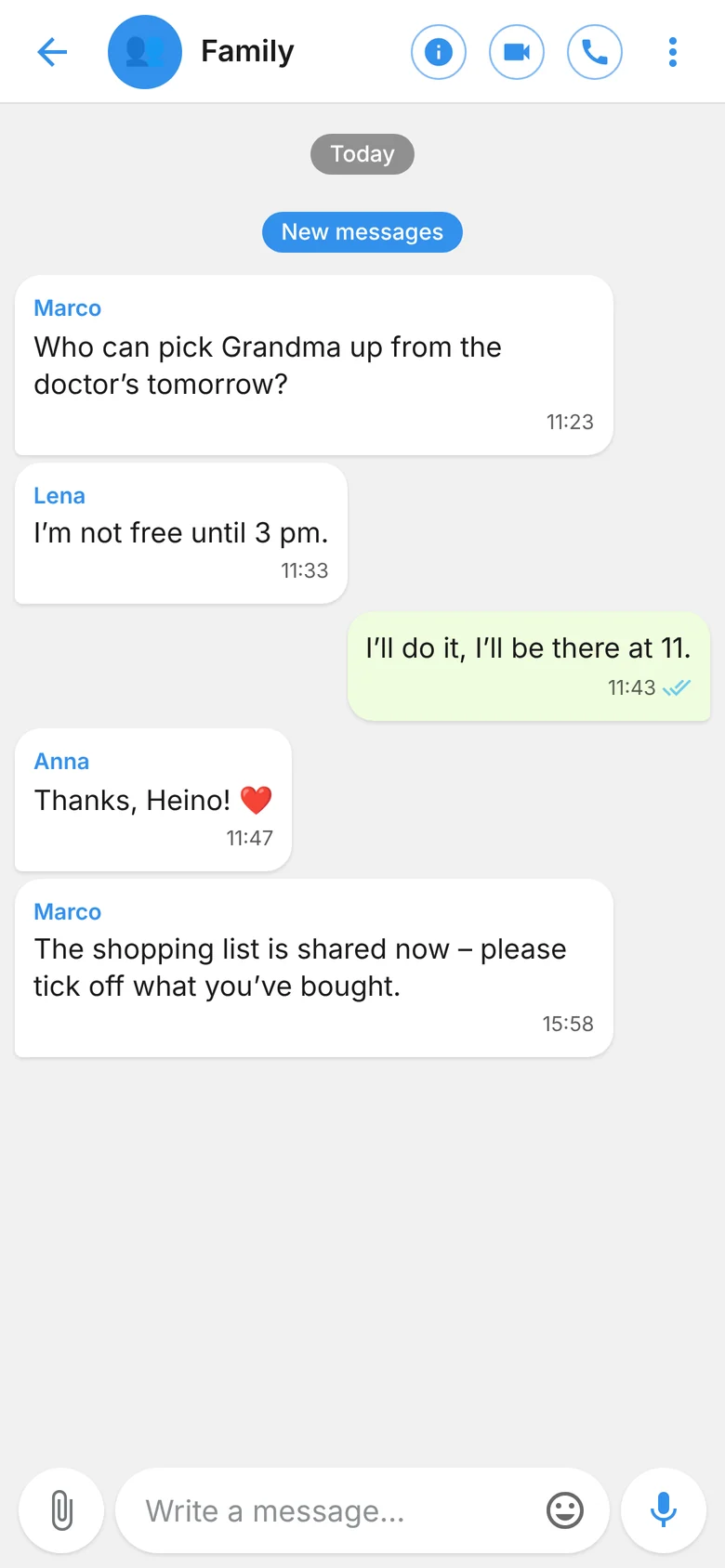
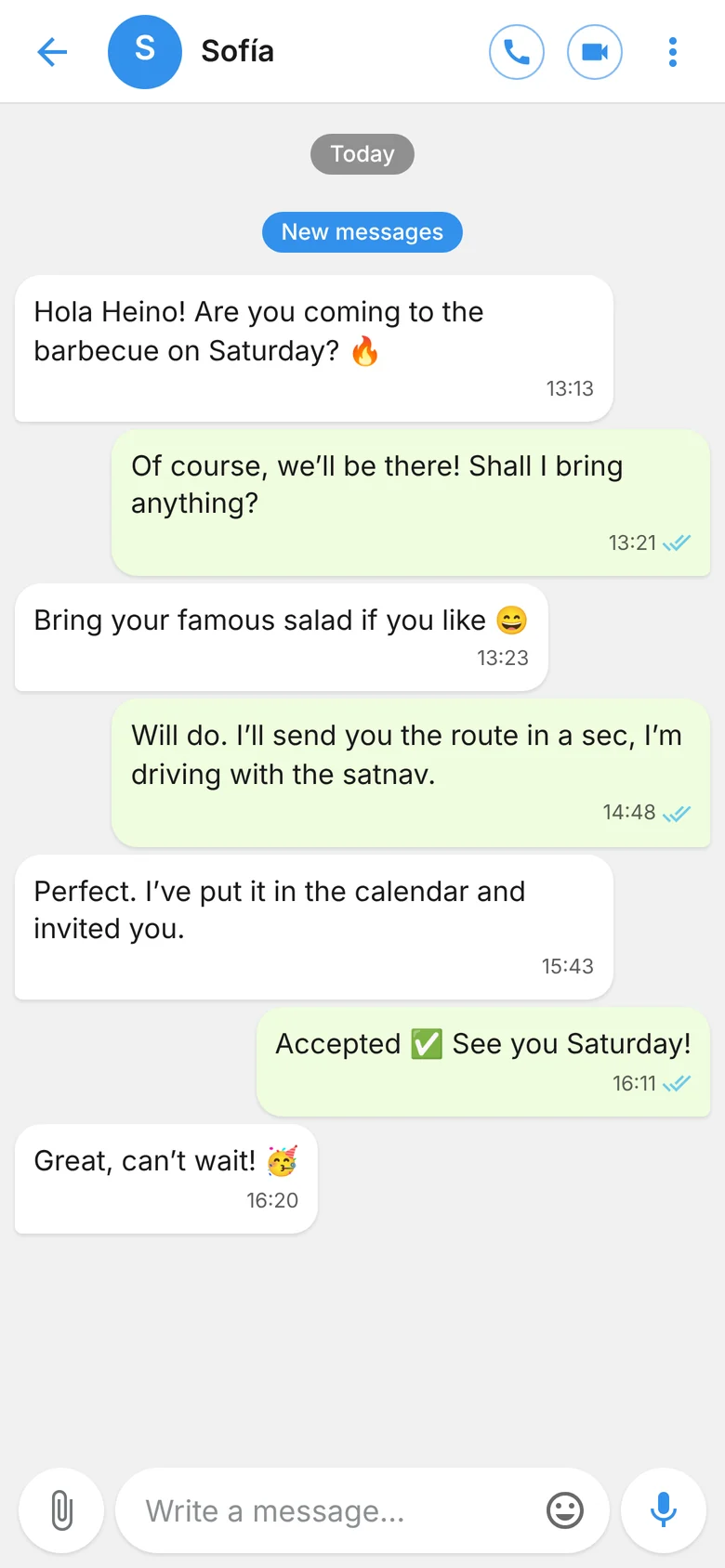
One-to-one and group chats with everything you need every day – plus a few things you miss elsewhere.
- Text, voice messages, photos, videos, video messages and files up to 200 MB
- Swipe to reply, reactions, editing, pinning, forwarding and polls
- View once for photos and videos, self-deleting messages and “Important” with read confirmation
- Voice and video calls, group calls, add more people
- Voicemail: if nobody answers, you leave an encrypted voice message
- Status updates that disappear after 24 hours; on PC and in the browser, also a noise filter in calls
- Android
- Windows
- Web
Translation
Everyone writes in their own language
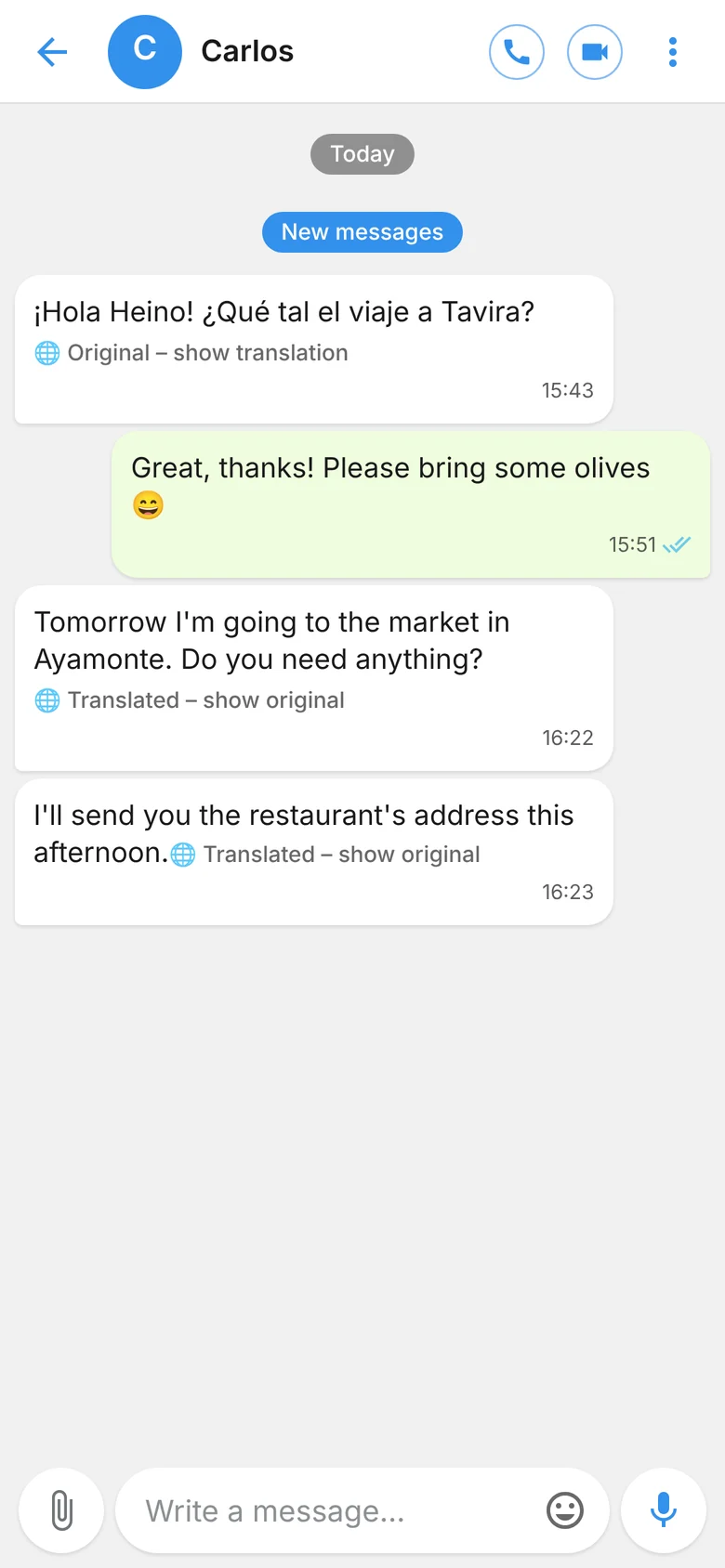
If someone writes to you in Spanish, you read the message in English – or in whichever language you’ve set. You turn on automatic translation separately for each chat.
- Incoming messages appear translated, marked “Translated”
- One tap shows the original, another brings back the translation
- Messages are only translated if the sender has set a different language from yours
- Ideal for family and friends in different countries – the app itself speaks six languages
For translation, the messenger’s own server sends the text to the translation service DeepL. That’s why the feature is off by default.
- Android
- Windows
- Web
A full email client, already built in
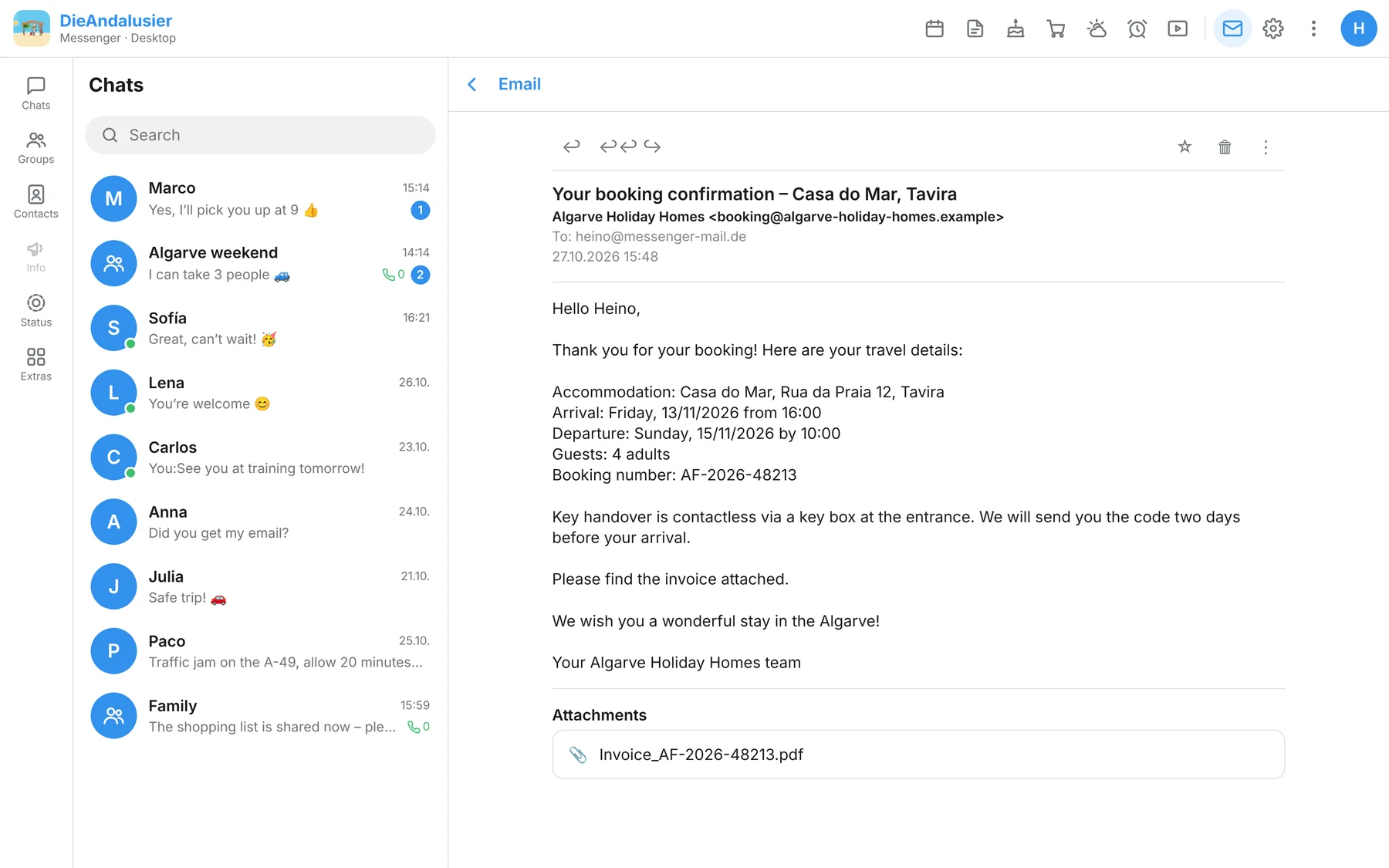
The first time you open it, you create your @messenger-mail.de address. The password is the same as in the messenger. On the go, you can also read your email in the browser at mail.messenger-mail.de.
- Compose with formatting, images and links; reply, forward, CC and BCC
- More mailboxes from other providers via IMAP/SMTP, with a combined “All accounts” inbox
- Custom folders, star marking, report spam and block senders
- Images, videos and audio attachments previewed directly
- Address book, drafts and sending as soon as you’re back online
- In the Android app and in the browser, photos are scaled down when attached; if an email is too large, the app warns you before sending
Outlook, Hotmail, Live and MSN addresses can’t be added as additional accounts.
- Android
- Windows
- Web
Dash cam
Your drive, on record
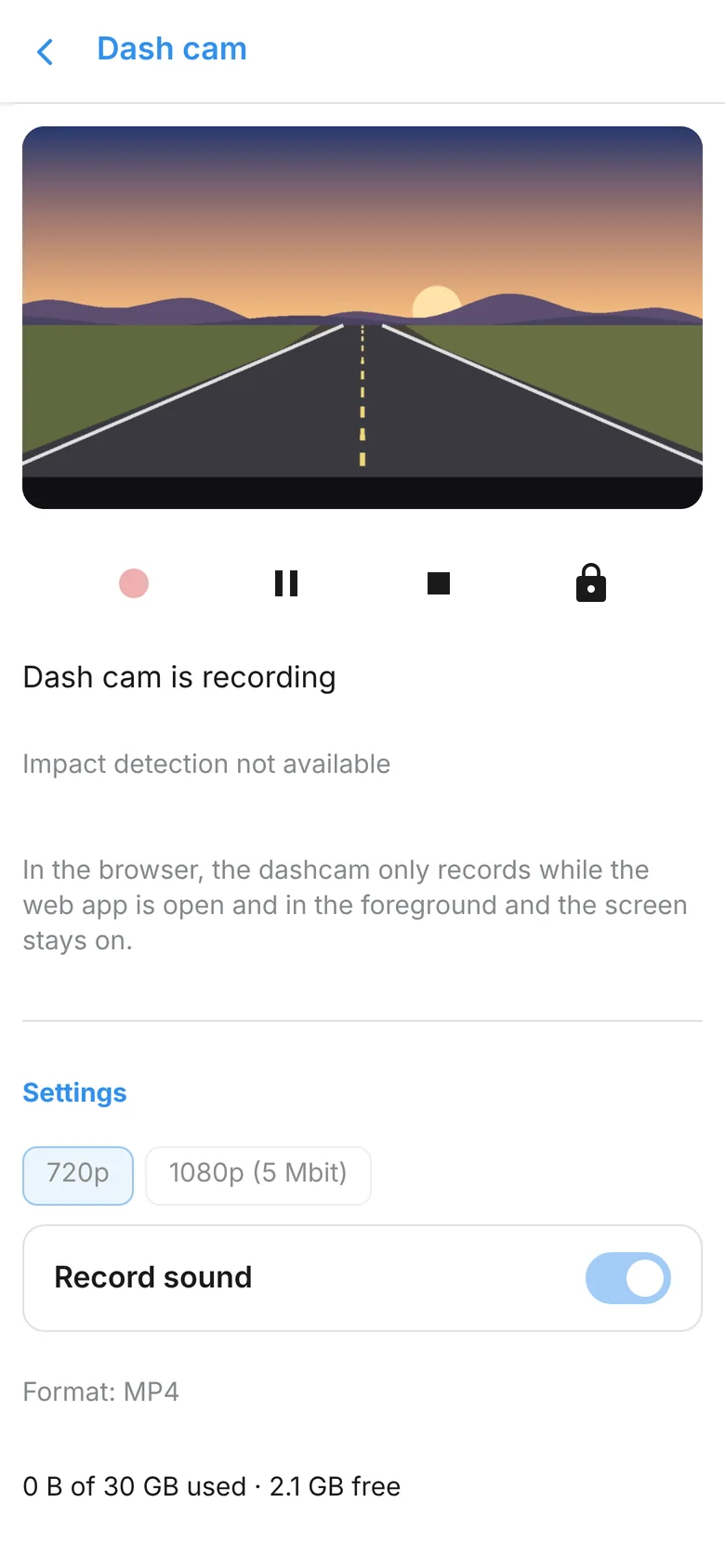
Your phone becomes a dash cam. It records continuously in 30-second clips; when storage is full, the oldest clip is dropped.
- A tap on the lock protects the current and the previous clip from being overwritten
- After a significant impact, this happens automatically
- 720p or 1080p, sound on or off, up to 30 GB of storage
- Can be controlled by voice command and also used during a live stream
- Android
- Web
Live stream
Go live for family and friends
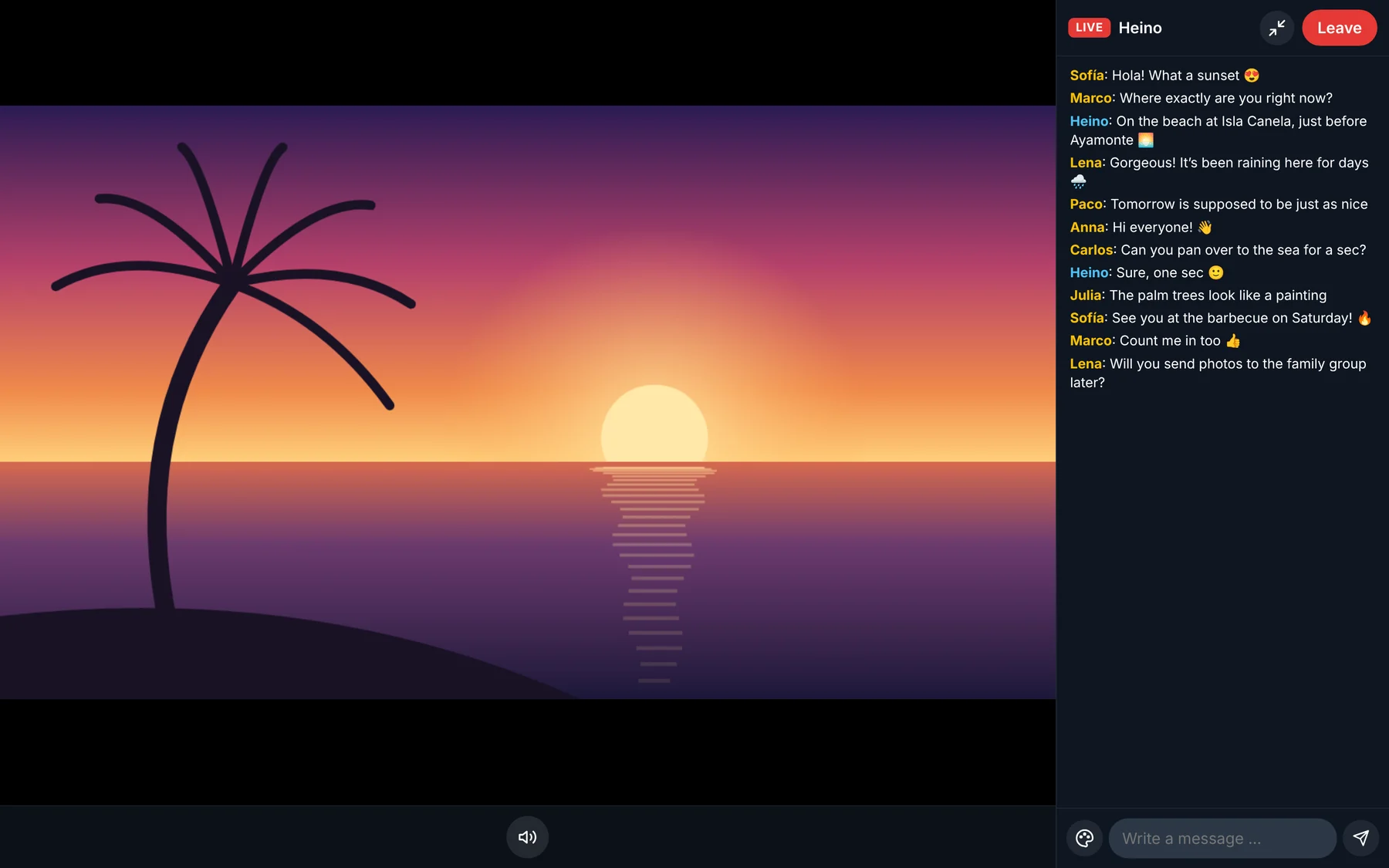
Two ways to stream: in Twitch style you broadcast alone, in TikTok style you bring guests on stage – up to nine tiles at once. Anyone with an account can watch.
- Quality 1080p, 720p, 480p or audio only – in the Android app it adjusts automatically on a poor connection
- Eleven layouts such as Grid, Duel, Spotlight or Sidebar; all viewers instantly see the one you choose
- Stream chat that the Android app can read aloud to you – handy while driving
- Invite viewers, mute guests and remove them again
Only users who have been enabled for it can start a stream.
- Android
- Windows
- Web
Voice assistant
Just say it
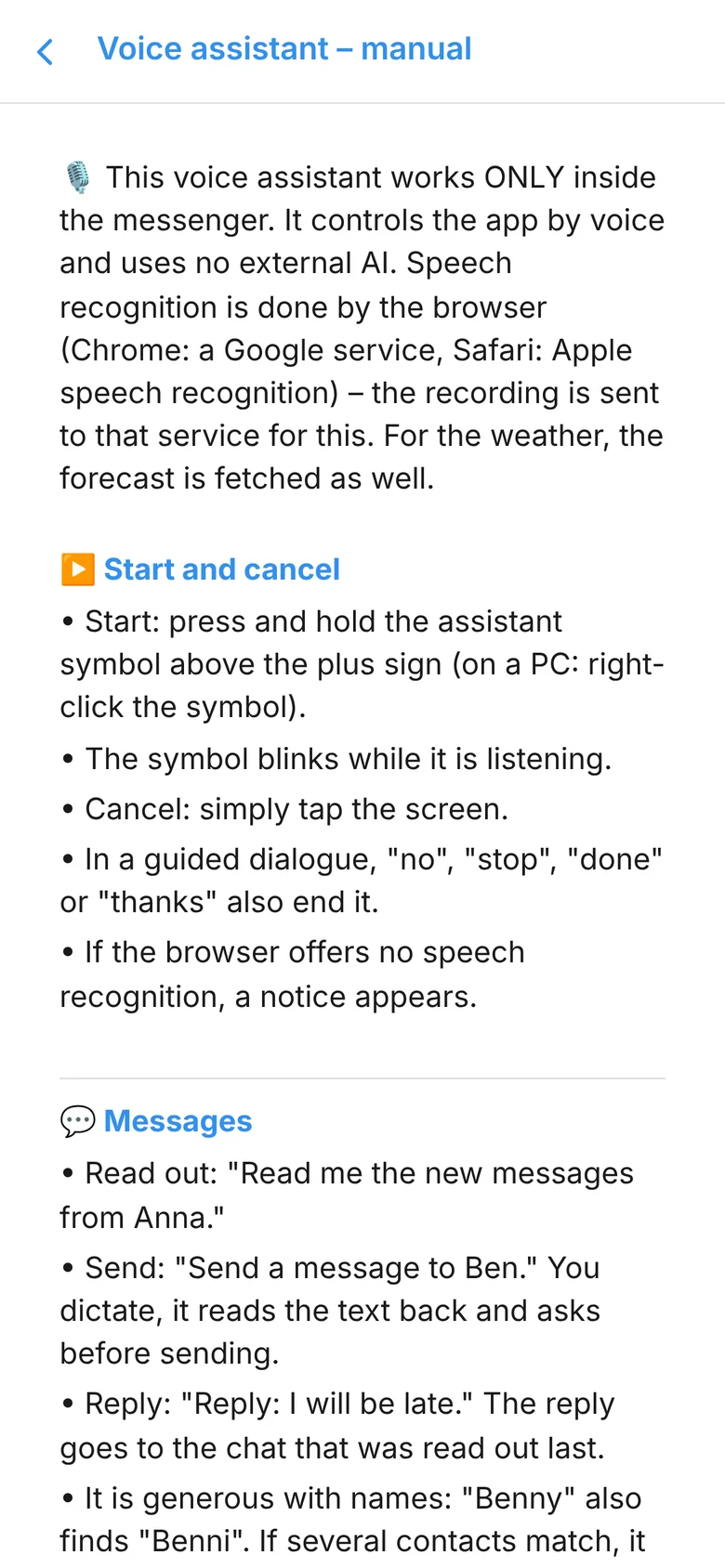
The voice assistant controls the messenger by voice – handy while driving, cooking or when your hands are full. It understands many phrasings in all six of the app’s languages.
- Read out, dictate and send messages, reply to the one last read out, record voice messages
- Make calls, including video and group calls: “Call the group Family.”
- Read out, create, move and delete events; set alarms; announce the weather for a day or place
- Manage the shopping list, notes and birthdays, prepare emails, navigate
- Start and pause the dash cam and save clips; turn features on and off; open pages of the app
- “What can you do?” explains everything – and only mentions what you’re allowed to use yourself
The messenger interprets the commands itself; no third-party AI is queried. Speech recognition is handled by the phone or the browser. The voice assistant controls walkie-talkie mode only in the Android app.
- Android
- Web
Organisation
Events, lists and notes – together
What the family organises stays in the messenger. Everything is synced between your devices.
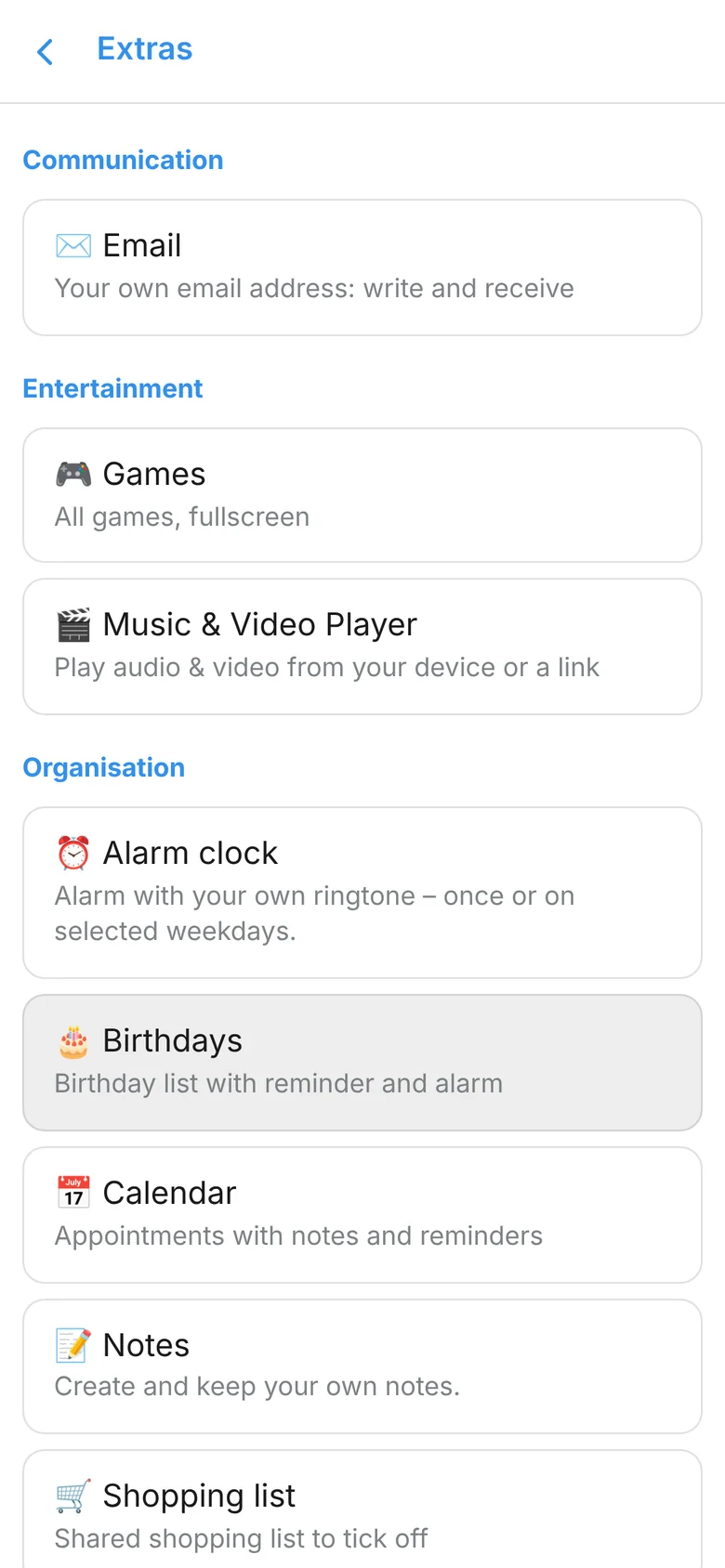
- Calendar with reminders, repeats and holiday periods; invite contacts, and their acceptances and declines appear on the event
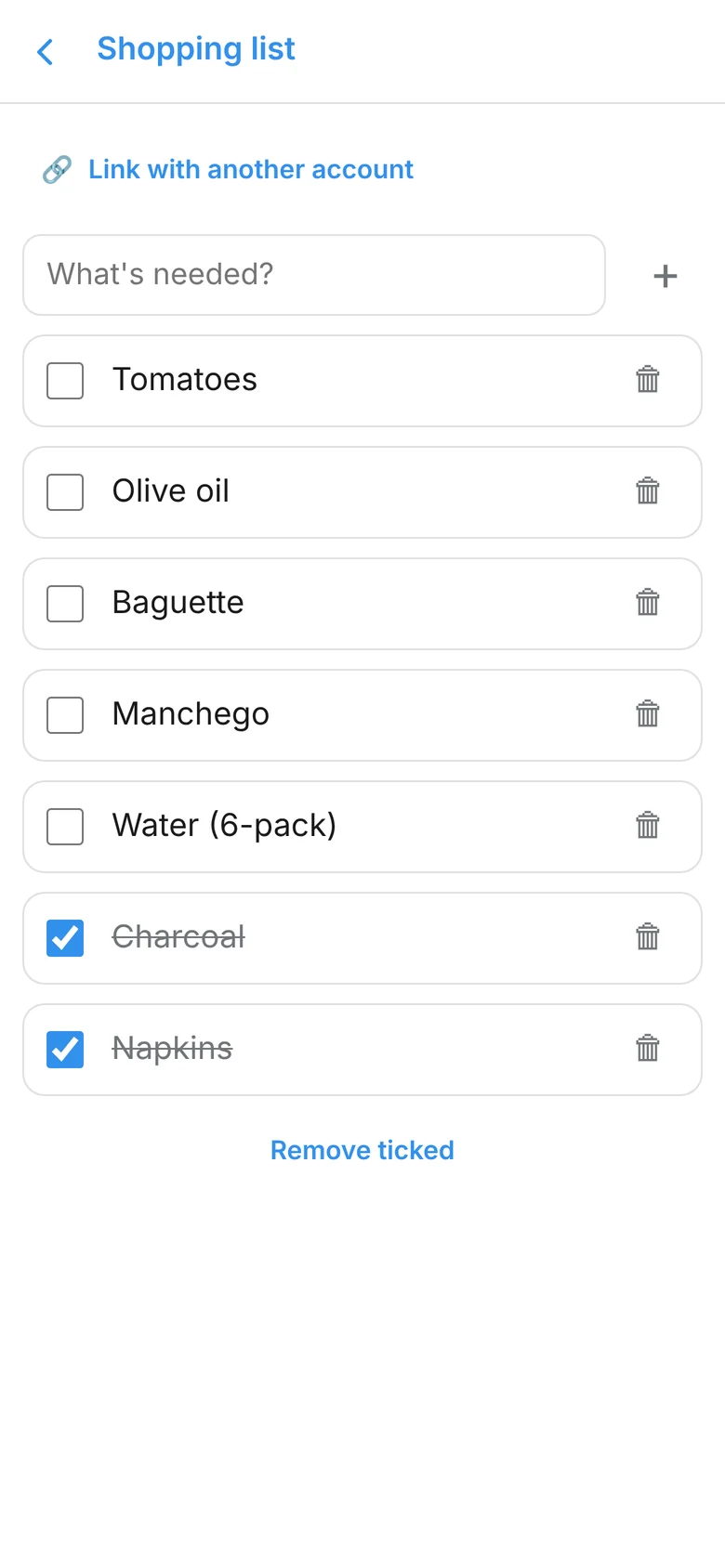
- Shopping list that you share with exactly one other person – both of you see it, tick things off and delete
- Notes, a birthday list with reminders and an alarm clock with your own ringtone
- Send messages later, get reminded about messages and translate automatically
- Android
- Windows
- Web
Weather & fuel
What else helps on the road
- Cheaper fuel: nearby petrol stations with current prices, sorted by price – in Germany, Spain, France, Italy and Portugal
- The price search only uses latitude and longitude, no address
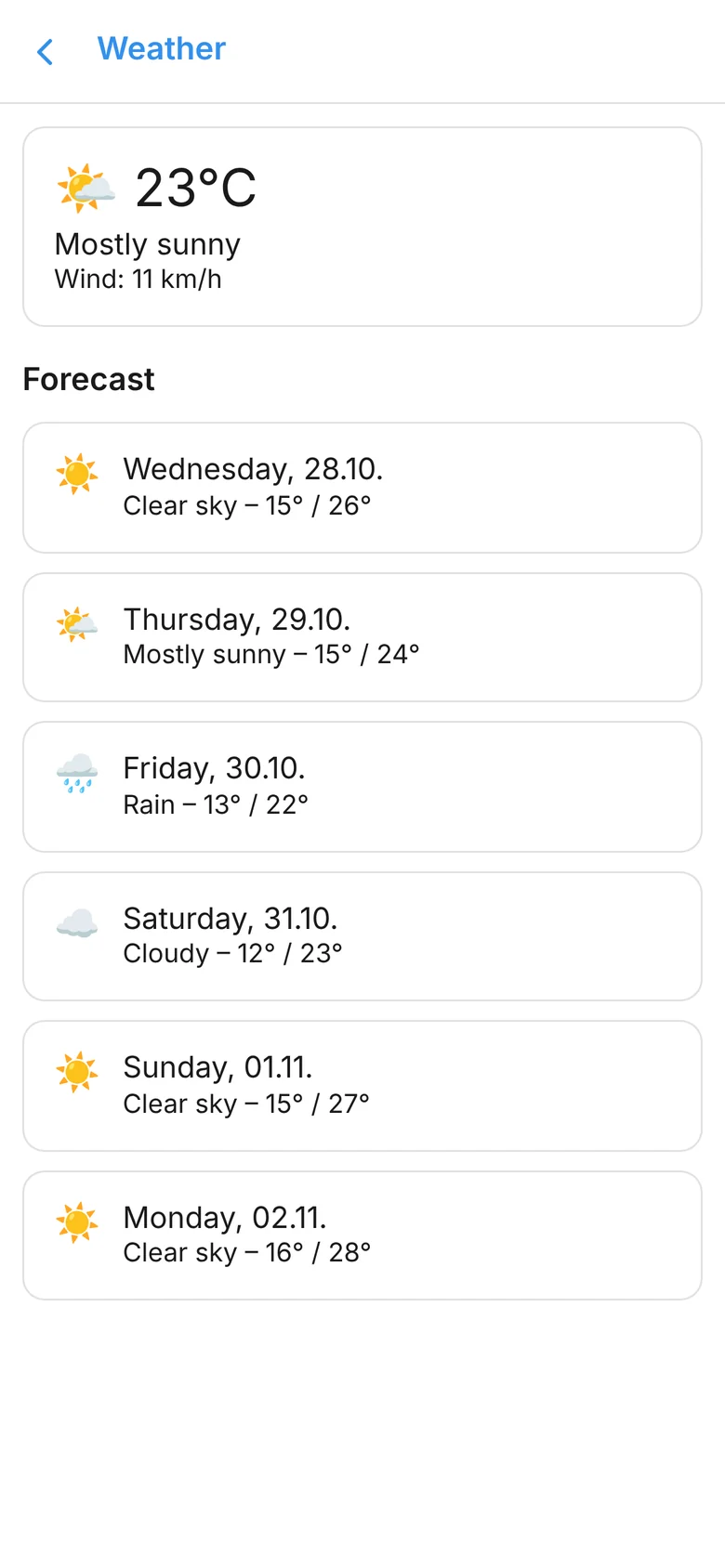
- Weather at your location with a forecast for the next few days
- Music and video player as well as full-screen games
Cheaper fuel is available in the Android app and in the browser; weather, player and games also in the Windows app. On iPhone and iPad, the browser shows no weather and no fuel prices.
- Android
- Windows
- Web
Telegram, Signal, WhatsApp
Other messengers, one chat list
Under “Networks” you connect your Telegram, Signal or WhatsApp account. The conversations then appear alongside your DieAndalusier chats – no more switching between apps.
- Telegram groups and channels are mirrored too
- A source filter can show only chats from one network
- Disconnect at any time
Messages from other networks run through a bridge on the messenger’s own server. It decrypts these messages and re-encrypts them for your devices – so they are not end-to-end between you and the person you’re chatting with.
- Android
- Windows
- Web

Everyday safety
Small features, big impact
SOS button
After a safety confirmation, an emergency alert goes out to your contacts, optionally with your location and a short message.
Walkie-talkie mode
Hold the talk button, speak, let go – the message plays instantly for the recipient with a walkie-talkie sound. Android app only.
Away message
If you’re unavailable, every chat that writes to you gets your automatic reply once.
App lock
Four-digit PIN, optionally with fingerprint or face recognition as well.
Quiet mode
No sounds and no calls at set times – afterwards everything is back.
Backup & multiple devices
Backup and restore; settings and deleted chat histories are synced between your devices.
Styles & languages
Looks the way you like it
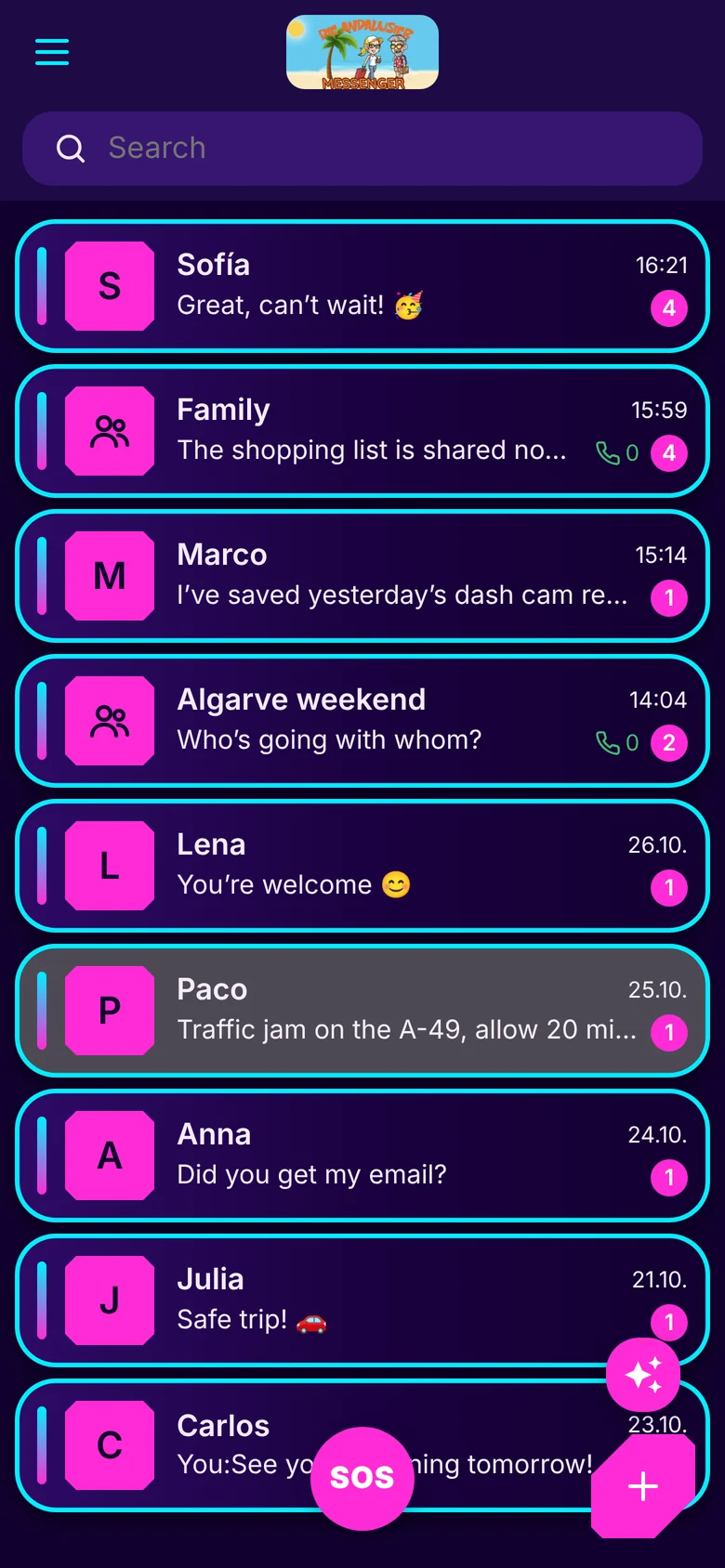
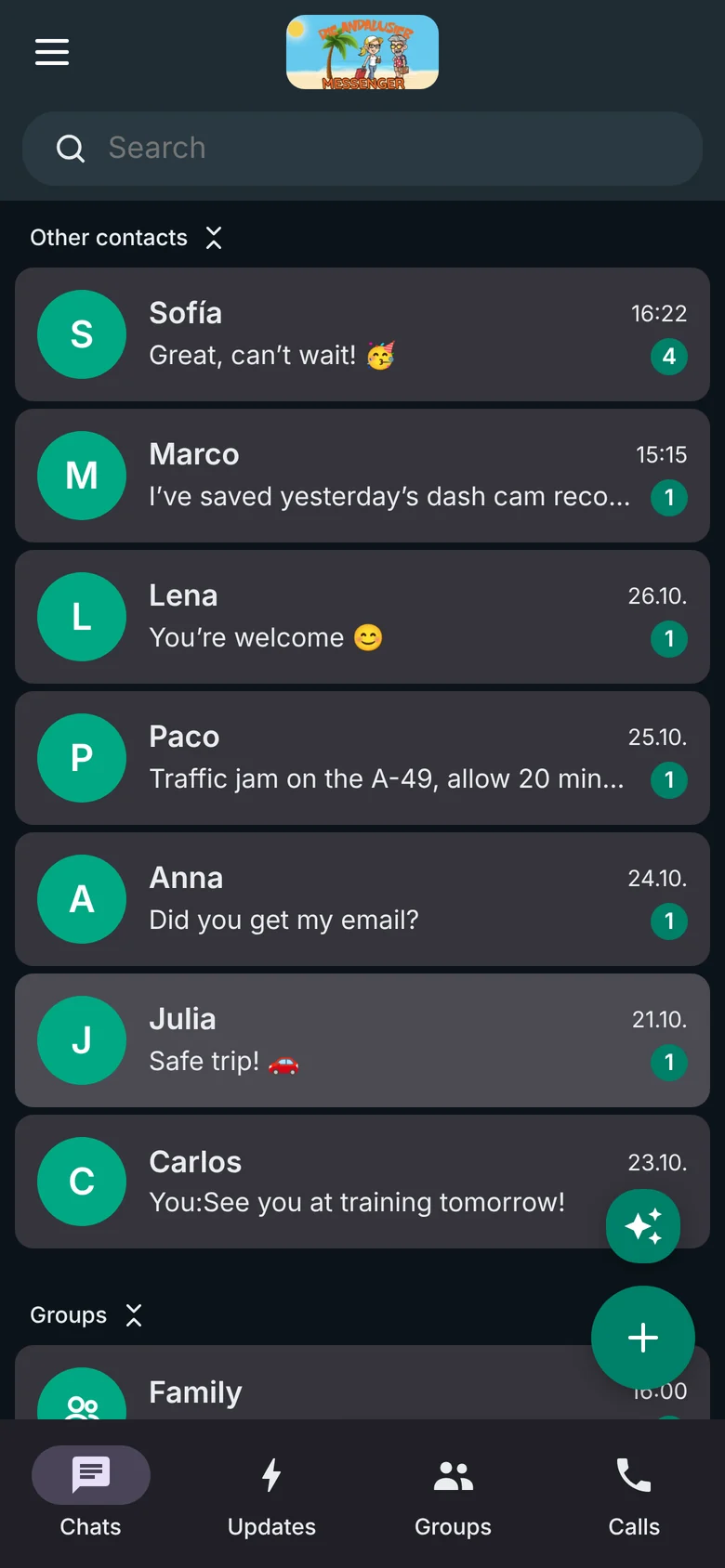
Five interfaces – Touch Green, Dark Blue, Neon 80er, Telegram Style and WhatsApp Style – each in light, dark or following the system. Plus an especially legible “Accessibility” design, your own chat colours and backgrounds.
In the Windows app, the Telegram style is available in light, dark or following the system.
The app speaks German, English, Spanish, French, Italian and Portuguese. You change the language in Account Settings.
- Deutsch
- English
- Español
- Français
- Italiano
- Português
Ready to try it?
Get the app for your device or start right away in the browser.